Schedule Posts to Instagram with Social Media Poster
January 26, 2018
Update: This information was relevant at the time of the news release date (January, 26), since Facebook now allows to publish posts directly to social media channels.
Have you ever felt torn between social media networks? We’ve so been there: switching between infinite browser tabs, copying and pasting content into different interfaces — Facebook, Twitter, Instagram, LinkedIn and others — trying not to miss a single post.
Bearing in mind that time is the most important resource, we keep improving Social Media Poster to cure this pain point for social media marketers. With this update, you can now schedule posts to Instagram along with Facebook, Twitter and LinkedIn using Social Media Poster — one tool to rule them all!
Let’s see step-by-step how it works.
Warning notice: No tool in the market has direct publishing on Instagram due to the service’s policy. Instagram posts need to be published manually. What we offer is to plan your content release in advance and simplify the posting process by guarding all the necessary data — a picture, a text and a reminder for posting — in one place.
First, go to your project, or create a new one, and set up Social Media Poster. When you’re in the tool, click on the list of your profiles on the left, then ‘Add a profile’ in the dropdown list and select ‘Connect Instagram.’ Follow the wizard steps and authorize SEMrush to use your profile.
You’re now free to schedule your posts to Instagram. To do that, click on the ‘New Post’ button or any slot in the Calendar.
The rest is up to you: create your post — add a picture and write a text — and schedule it for later.
By default, SEMrush will send you an Instagram reminder to your email address with a scheduled picture and text to post five minutes prior to the desired publication. Follow the email instructions to make it live: download the picture, copy the text right from the email and paste them into Instagram app.
To change your email address and time of notice, click on the Settings gear and select ‘Instagram reminders.’
Once you’ve published your post, click the bell icon on your scheduled post in the calendar and mark it as published.
If you’re new to Social Media Poster, find out how to post on Facebook, Twitter and LinkedIn and discover all the possibilities the tool gives you.
Now you can reach an audience of more than 800 million people on Instagram! Don’t forget to tell us about your experience at smm-tool-feedback@sr02.amztoolslab.com. And stay tuned, as more updates are on the way!
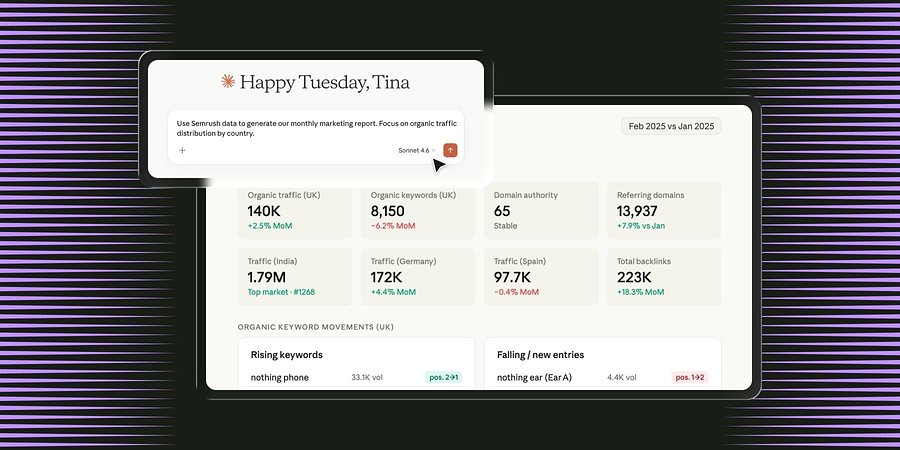
Semrush Launches Official Connector for Claude, Bringing Marketing Intelligence into AI Conversations
New native integration enables access to search and market intelligence directly within Claude to automate marketing workflows.
Product News
August 26, 2026
Semrush Introduces Crazy Egg to its App Center
Website analytics platform Crazy Egg is now available to use in the Semrush App Center, providing marketers with in-depth visitor insights to help optimize their websites.
Product News
August 11, 2026
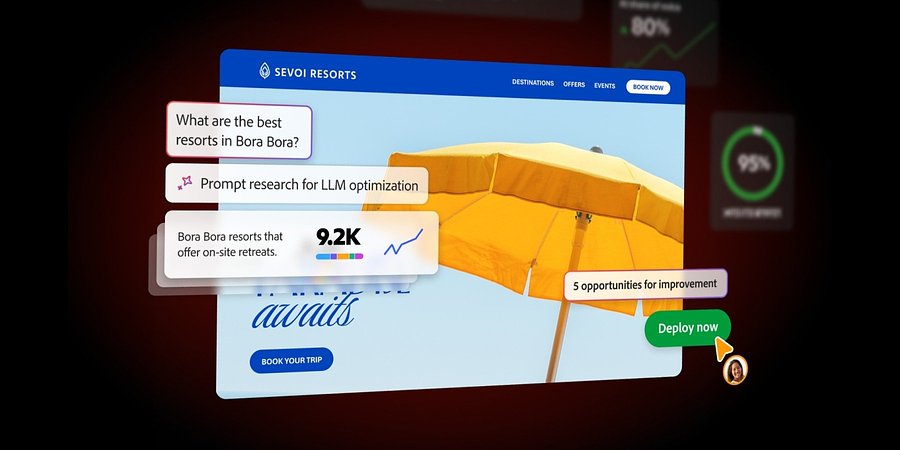
Introducing Adobe Brand Visibility: A Unified Solution for the AI Search Era
Adobe Brand Visibility is the first unified solution that brings together Semrush’s AI visibility intelligence with Adobe’s agentic content optimization capabilities, grounded in a deep understanding of business and brand context for organizations to enhance their presen...